Vibe Coding in practice: turning AI-assisted coding into a verified engineering workflow
From idea to prompt, code, tests, notes, and deployment, the point is not loose automation but clear guardrails.
This page is organized as a full read-through, from background to implementation and usage.
Vibe Coding 不是放弃工程纪律
01Vibe Coding 的价值在于把自然语言变成可执行的工程动作,但这不等于把判断权全部交给模型。真正适合 OpsKitPro 的做法,是让 AI 负责生成和修改,让人负责目标、边界、审查和验收。
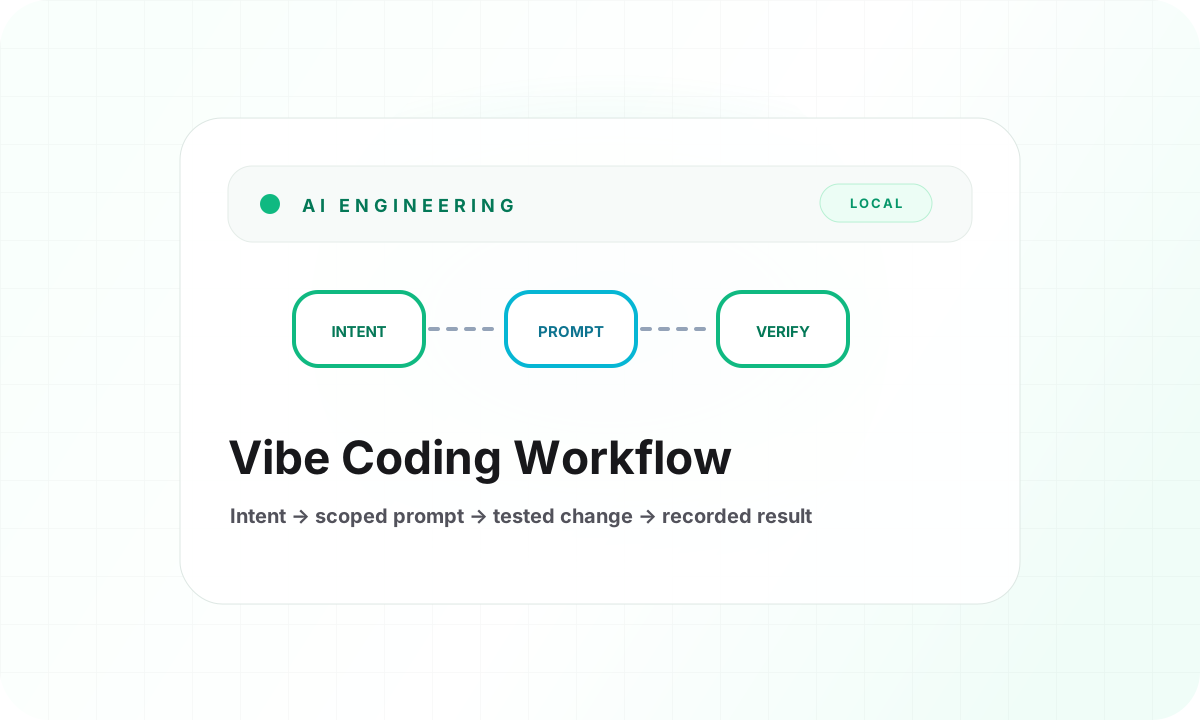
所以我把它整理成一个更稳的工作流:先描述目标,再限定范围,再声明不要改什么,最后要求测试、构建和记录。这样 AI 能快起来,但不会把项目带偏。
OpsKitPro 的 AI 工程闭环
02我的固定流程是:先读项目记录和约定,先写方案,再做最小必要改动,跑测试和构建,最后把结果、风险和回滚点写回 Obsidian。这个流程看起来慢一点,但能显著减少“改了很多却说不清为什么”的问题。
Prompt Builder 的作用,就是把这个流程产品化。它不会保存内容,也不会调用外部 API,只在浏览器本地把任务说明整理成一段可以交给 Codex、Cursor 或 Claude Code 的工程 prompt。
Review & Deploy Checklist
03进入 review 和 deploy 前,我会检查几件事:有没有越过 public/private 边界,是否只改了直接相关文件,是否没有新增不必要依赖,测试和构建是否通过,Obsidian 是否记录了结果。
如果涉及公开内容,尤其不能把草稿、内部路径、token、排障细节或不确定是否公开的资料带进主站。Vibe Coding 可以加速实现,但不能替代边界判断。
- 确认范围:只改本次任务直接相关文件。
- 确认边界:只使用已公开、已整理内容。
- 确认质量:测试、类型检查、构建都通过。
- 确认记录:方案、结果、风险和回滚点写回 Obsidian。